Private Beta · For iPhone + iPad

The app blocker
you can’t bypass

Eject is made with care for people who realize their technology addiction is worse than they thought.

All apps availableApps ejected

Every app blocker we've tried has an off switch.

When we tried to use our phone less, we were serious. But when we found a reason to go back on our promises, other app blockers couldn't stop us.

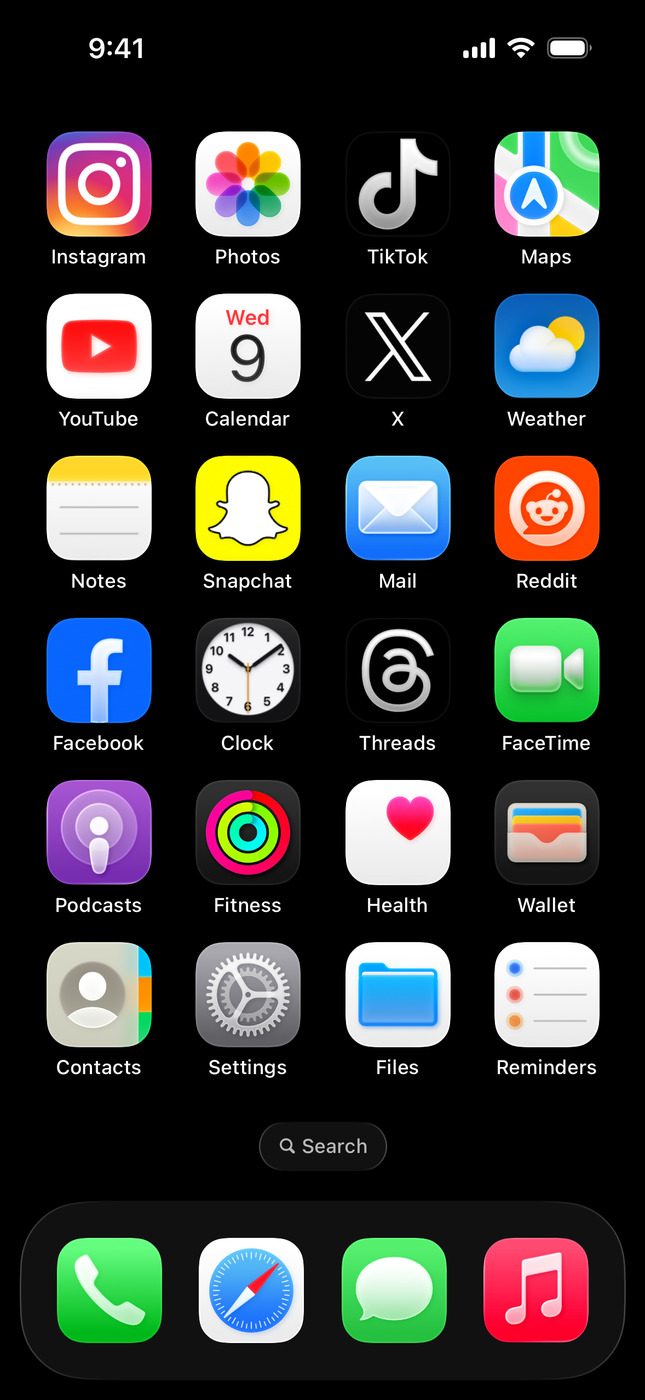
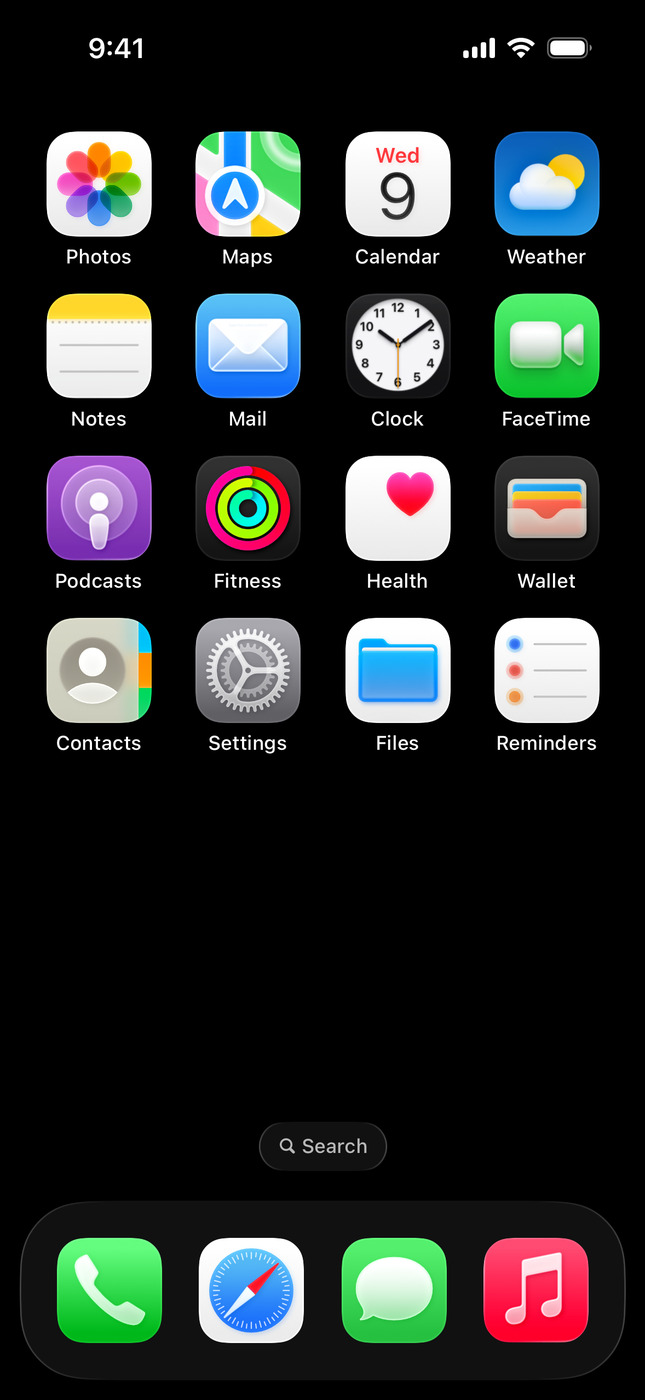
Six app blockers — Opal, Brick, Freedom, Jomo, one sec and Forest — shown as iPhone apps in edit mode. One at a time, the remove control is pressed and the app is deleted; the row advances and the next one moves into place. The loop repeats.

When you set your timer or schedule, apps stay blocked.

We designed a solution that doesn't let you back out on your commitment. Eject keeps you accountable, even when you try to talk yourself out of it.

Schedule. Protect your time when it matters most.

Schedules are locked 24 hours in advance so you can't back out at the last minute.

Timer. Remove apps for anywhere from an hour to 90 days.

If you like how you feel and want to keep going, you can extend the timer.

It's not a focus problem.

I'm Dan. I grew up alongside video games and the internet, and have spent my entire career in tech. Like many people, I know my relationship to technology is rooted in avoidance and escapism, and that companies spend a fortune engineering their products to be as addictive as possible.

Despite this knowledge, I couldn't stay away from my phone long enough to replace it with healthier habits. Feeling like my willpower had been hijacked, I tried other solutions. But app blockers had a workaround, lock boxes weren't practical, and dumb phones sacrificed too much.

I like taking pictures that instantly upload to the cloud. I like FaceTiming with my nieces. I like knowing there's traffic before I get on the highway. Smartphones give us so much, but they're a double edged sword in our pocket – countless benefits bundled with distractions that affect our brain in a similar way to cocaine and alcohol. With Eject, you don't have to compromise.

That said, we can't spend the rest of our lives shielded from distracting technology. But we can create enough distance from it today to find different, more lasting solutions.

I invite you to see this not as a focus product, but as an addiction recovery tool. Use it for as long as it's helpful to you, with the real goal of replacing compulsive technology use with something more fulfilling. There are future plans to build a community around this, so stay tuned.

In the meantime, use your newfound free time to call a friend you haven't talked to in a while. They'll be happy to hear from you.

3 price options

The longer you commit, the more you save.

See every plan and what's included

The questions you're already asking.

You decide when a block starts and how long it runs. Eject holds you to it, and nothing on the phone can undo what you set. That's the entire design.

Read the full FAQ
While a block is active, no. You can't delete Eject, switch it off, or reset your way out until the timer or schedule ends. When nothing is running, you can remove it freely. The lock only exists while you've chosen to be locked.
Calls, messages, maps, and your emergency contacts are never blocked. For other apps during an active block, the honest answer is that you can't force them open. That's the point of setting it when you were willing.
No. Eject doesn't measure your screen time and doesn't log which apps you opened. It enforces what you set, and nothing else gets collected. We're not in the business of watching you.
Because the part of you that wants out in the moment is exactly who you set the timer to outlast. If you could end it early, it would just be another off switch. The timer holds you to the decision you made when you were willing.
An iPhone or iPad, plus a Mac for the initial setup. You set your blocks from the Mac once; after that, enforcement lives somewhere your phone can't reach.
Yes. Eject runs on iPhone and iPad today. More Apple devices, then Windows and Android, are on the roadmap.
Nothing happens to your blocks. When you set a Timer or Schedule, the block keeps running whether your Mac is nearby or not. A dead Mac doesn't pause it. To change a block, sign in from another Mac. And if you ever can't reach one during an active block and it's a genuine emergency, email dan@ejectnow.com and we'll help.

Decide once.

Eject is in private beta. We're letting people in as fast as we can safely onboard them. If you've read this far, you're probably one of them.

We'll only email when there's something real to share.